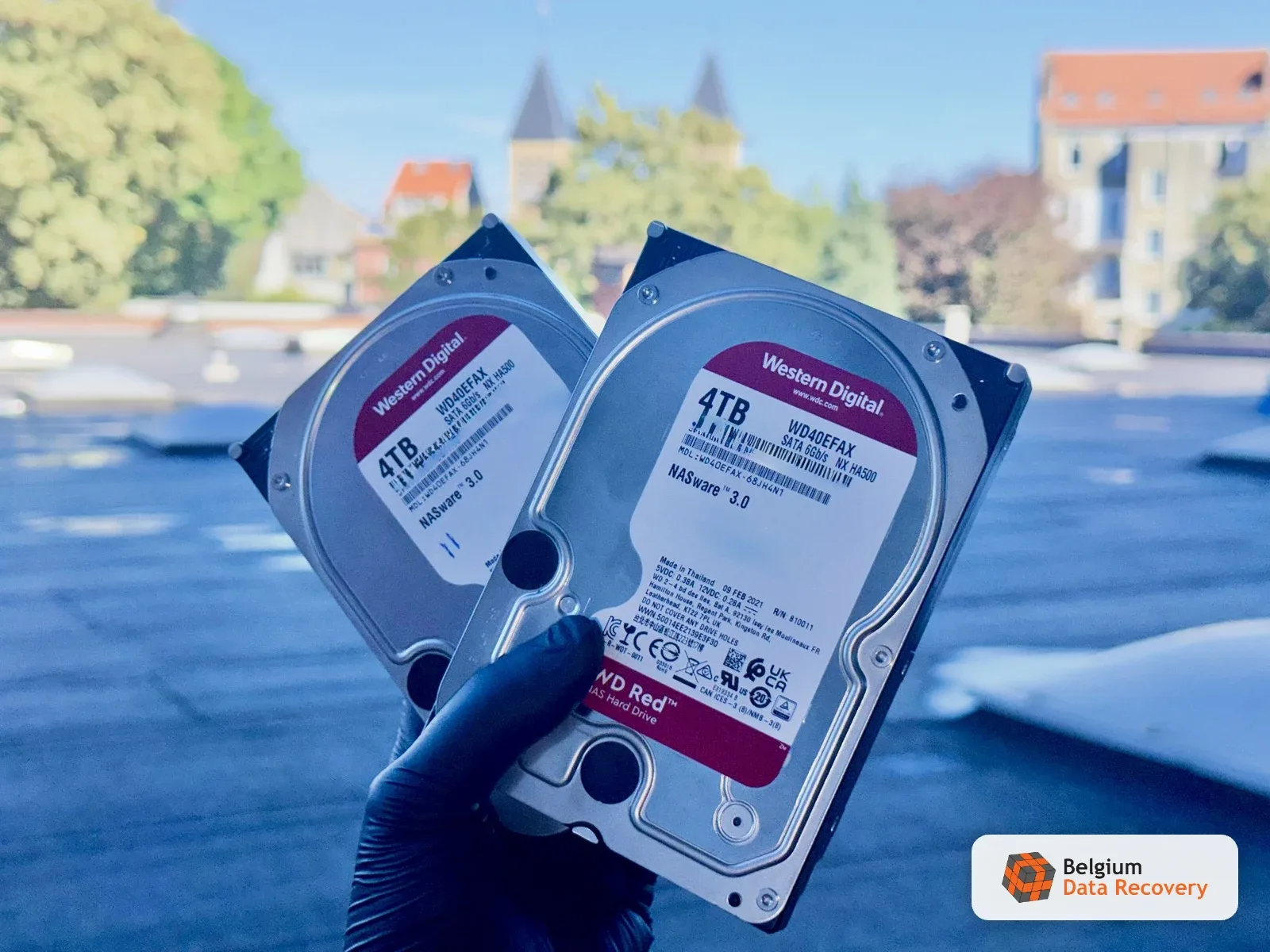
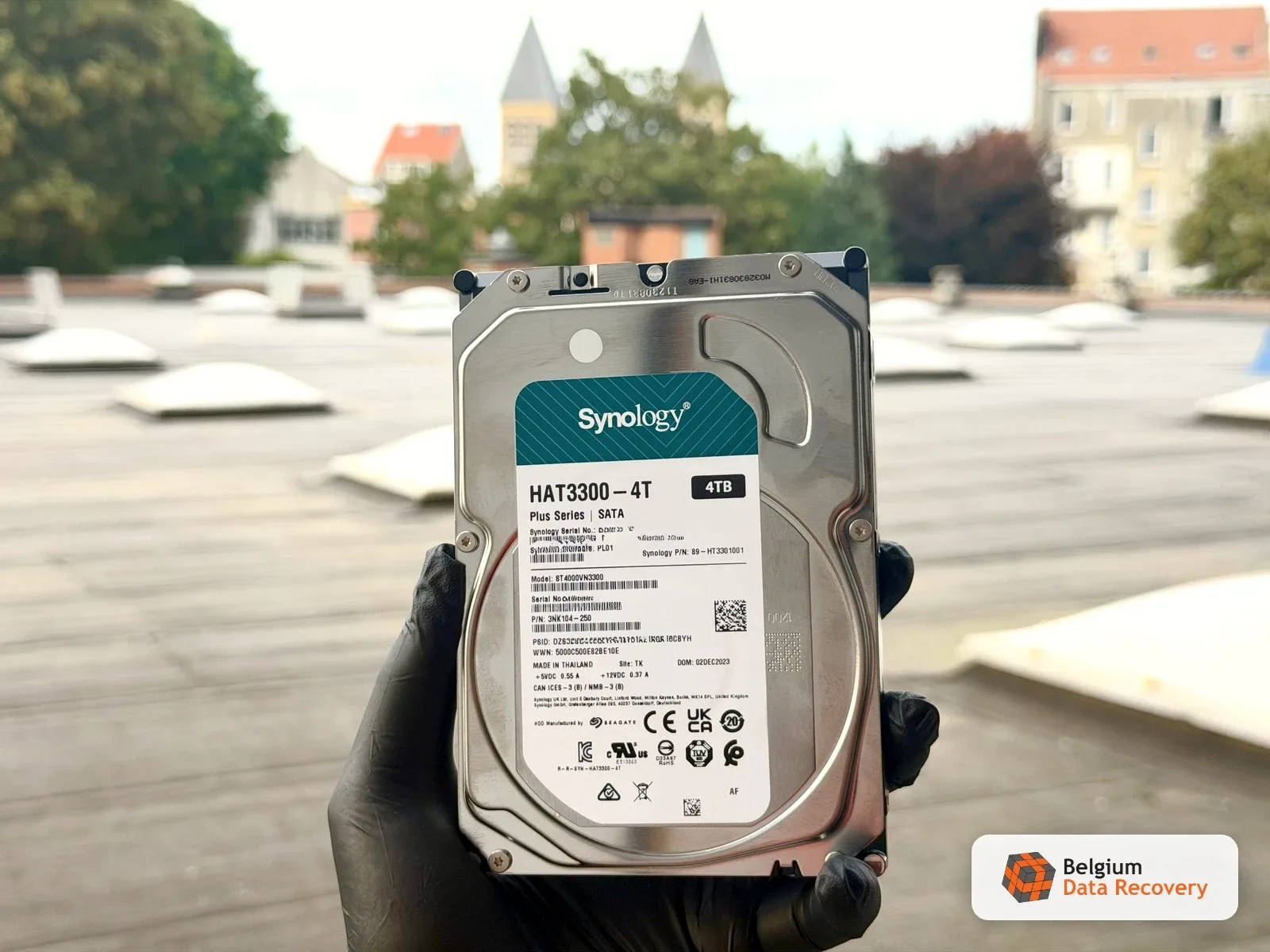
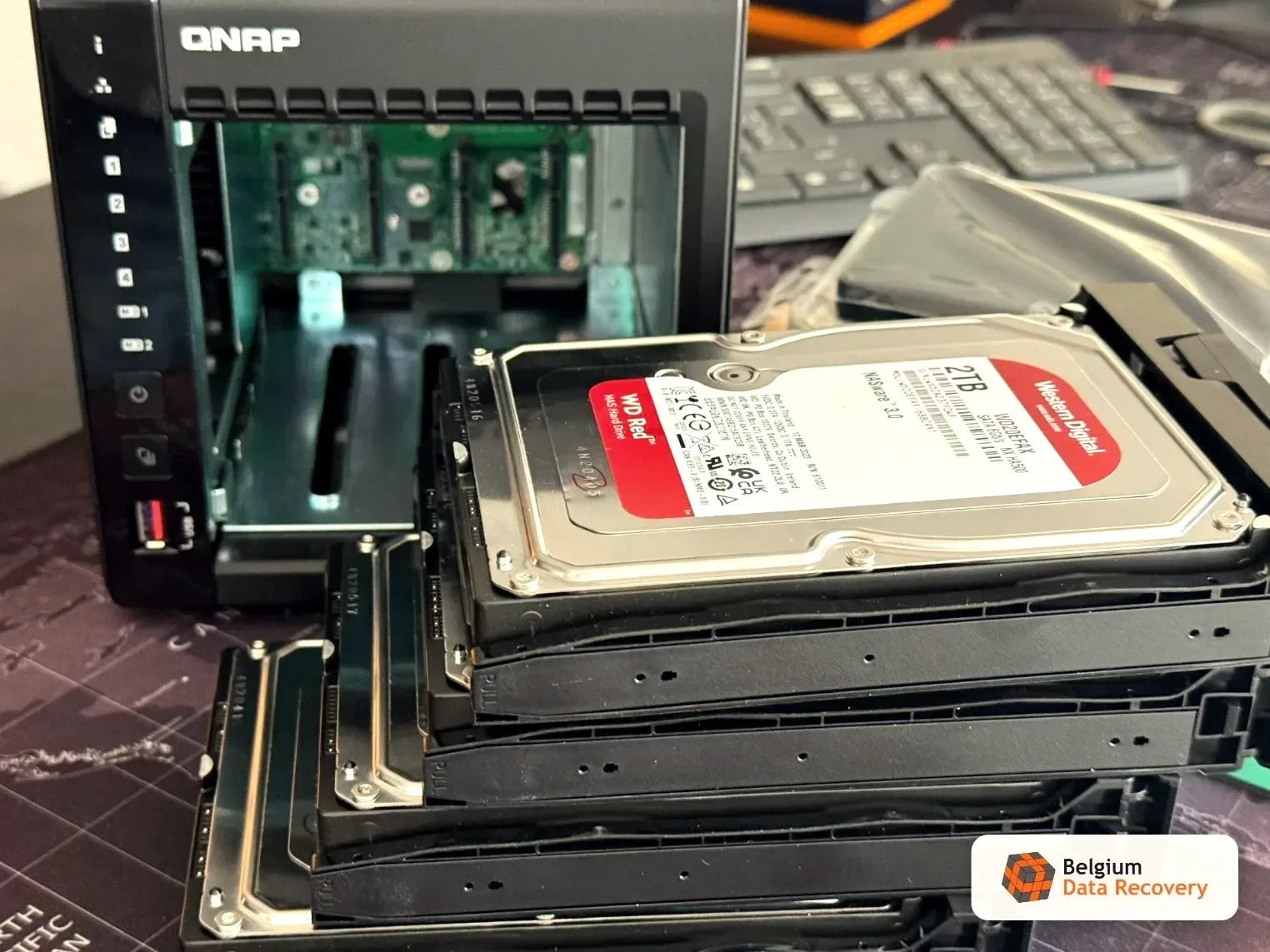
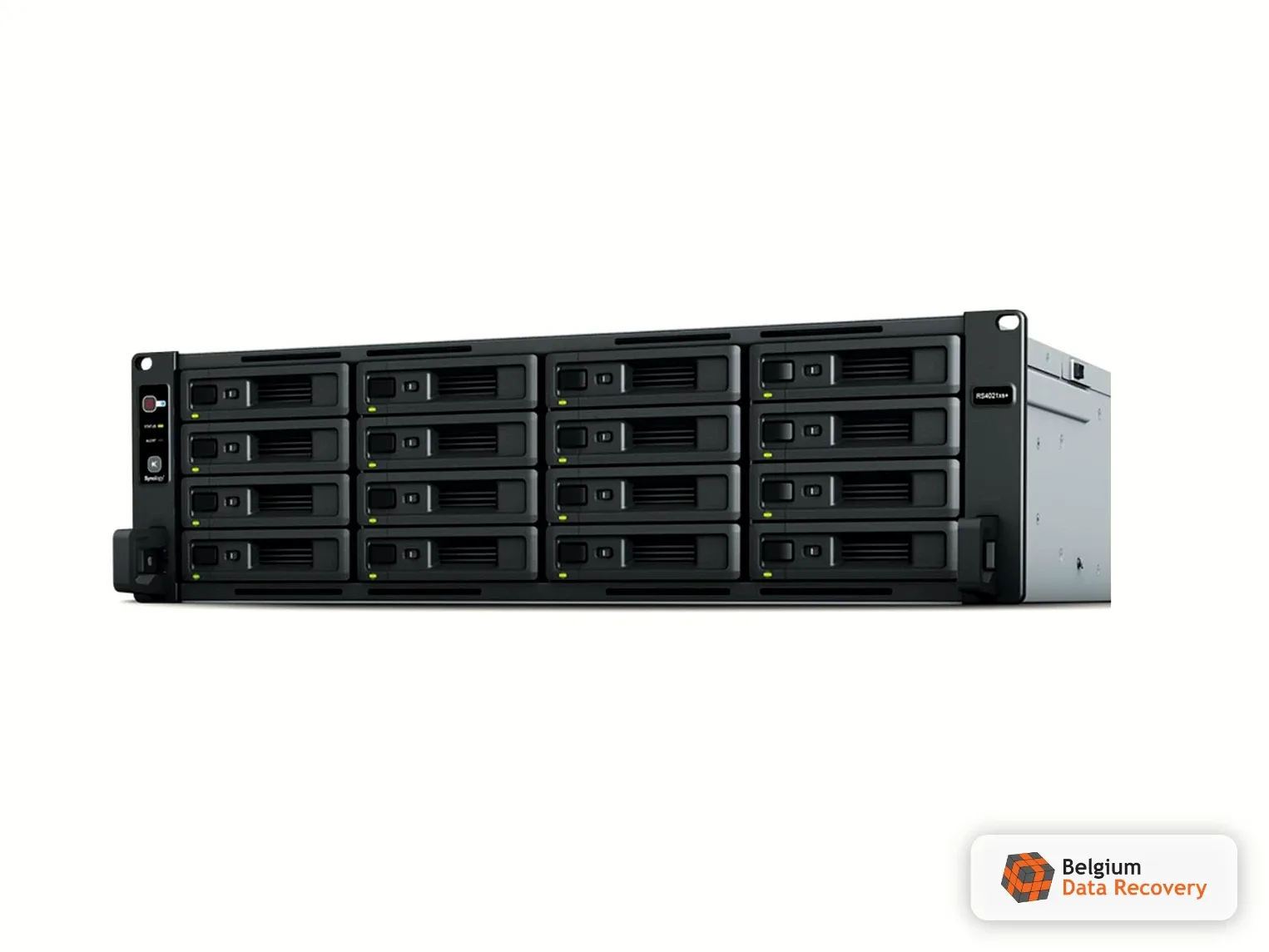
A computer repair shop in Brussels took in a customer's NAS: a Synology DS223 with two 4 TB WD Red drives in a mirror. The unit had been warning for days that one drive needed replacing. The technician swapped the failing drive and, on restart, DSM offered to install itself fresh. He accepted. The installation reinitialised the volume: the data partition was gone and the mirror had nothing left to rebuild. The shop owner called us the same day. We asked him to bring both drives, including the old one that most people throw away after a swap.
The intervention
We worked on the drive the NAS had dropped, and never plugged the enclosure back in: powering the DS223 up again would have let DSM write over the data. The old WD40AFAX was not dead. It had unreadable sectors clustered in one area, enough for Synology to call it failed, not enough to stop it being read. We imaged it sector by sector on PC-3000 Data Extractor, skipping the unstable areas first, then going back over them with longer timeouts until the copy was complete. The mirror was then rebuilt from that single image and the Synology file system mounted to pull the folders out. In RAID 1 both drives hold the same data, which is why the invoice covers one cloned drive, not two.
Every photo a Brussels family had lived in one place: a 4 TB Synology BeeStation BST150 standing upright on a shelf. There was no second copy anywhere, because the station was itself the backup for the phones and the home computer. During building work someone knocked the shelf and the narrow, vertical unit fell on its side. After that the BeeStation would not start: no network access, nothing normal at power-up. The owner brought it to us without having tried to switch it on again and again, and that counted for a lot later.
The intervention
Under the Synology label sat a 4 TB Seagate drive with media cache, taken out of the enclosure in the lab. The fall had damaged the heads: the drive could no longer read its service area and never reached ready state. Firmware access was locked too, and that is where most of the difficulty was.
We unlocked the ROM on the board, rewrote it and adjusted the drive's passport settings so it would start in technological mode without touching the damaged areas. A head map was then built: the failed heads excluded from reading, the good ones doing the work. The point was not to wear them out for nothing. Instead of a full 4 TB image, we located the partition, analysed its structure and read only the areas holding the photos, 300 GB in all. The reading itself ran over a week, at reduced speed and in several passes, to spare heads that were already weakened.
A Brussels security company called us on a Monday morning: the workstation running their business software would no longer boot. The drive, a 250 GB Seagate Barracuda 7200.12 fitted in an HP Compaq 8000 Elite, was spinning normally but had stopped appearing in the BIOS. It held not only the company's files but a specialised application installed years earlier, whose installation media and licence keys had long since vanished. Reinstalling was not an option: the whole system had to come back, not just the documents. Fortunately the client had not spent days switching the machine on and off.
The intervention
Diagnosis showed a mechanically healthy drive: platters spinning, heads positioning correctly. The fault was in the service area. Connected to the terminal through PC-3000, the drive answered, but its configuration modules would no longer read properly: the translator was unreadable, which is exactly why the BIOS saw nothing. We worked directly in the service area to rebuild the translator and make the user space addressable again. The surface itself was tired: this 2011 drive had built up a large number of bad sectors. Imaging was therefore done under Data Extractor, map by map, pushing the slow zones to the end of the pass so the drive was not restarted needlessly. Once the full image was in hand, we wrote it back to the new drive the client had brought in, system and software included.
A Brussels client was working with her external drive plugged into her computer. Standing up, she turned too quickly: the cable pulled and the drive was left hanging from its connector. That single movement is enough to tear the USB port off the board. She first took the drive to a computer shop, where someone tried to reattach the broken connector with thin hand-soldered wires. The repair did not hold and the drive stayed invisible. Western Digital had offered to take the unit back despite the expired warranty, but her five terabytes of data would never have come back with it.
The intervention
On this model the USB bridge is built into the board: there is no SATA connector, so the drive cannot simply be plugged in like an internal disk. First power-up on the PC-3000 Portable Pro: the unit started beeping, the signature of a short circuit. The shop's improvised soldering had bridged two points on the board. We removed what was left of the connector, soldered our own wires directly onto the board's test points and ran them to an adapter, which gives SATA access to a drive that has none. The ROM was then read and the drive unlocked under PC-3000, the board checked point by point to rule out any remaining short, and refitted. That left the decisive question: the state of the heads. They were intact.
The working drive of a professional photographer from the Hasselt area, a 4 TB LaCie Rugged USB-C, fell to the floor. It held her entire shoot archive: RAW files and video rushes from client projects, with no backup copy. After the fall, no access at all. Inside the enclosure was a Seagate ST4000LM024 with a locked service area: the drive could no longer initialise. One decisive detail: nobody tried to restart it. The client wrote to us that same Sunday and dropped the drive off in the evening.
The intervention
Before any power was applied, the drive was opened in the cleanroom: the head stack was removed and inspected under the microscope to confirm that no head was contaminated or damaged by the fall. The heads were clean, so they were refitted, and only then was the drive started, with no risk of scoring the platters. That left the locked service area. The ROM chip was desoldered from the PCB, read on a programmer, unlocked on PC-3000, rewritten and soldered back. A full backup of the service area followed, then the configuration modules (the drive's « passport », which holds its operating parameters) were edited to stop the drive from running its self-repair routines, which are destructive in this condition. On Data Extractor, the head map showed which heads still responded: the accessible zones were imaged first. The drive was then stopped, the head stack replaced with a compatible donor set, and imaging resumed to extract the remainder.
An HP gaming laptop that no longer booted, brought in by a client from Leuven, and inside it a 1 TB Seagate FireCuda ST1000LX015: a hybrid drive, fitted in machines like this to speed up load times, that is a conventional hard drive with a flash memory chip soldered onto its board. The drive would not spin at all. It still reported its model and serial number correctly, a sign that the fault was not mechanical. On this model the NAND chip carries part of the firmware, so when it fails the drive can no longer initialise, even with untouched platters. On it were the client's photos and personal documents, with no full backup.
The intervention
On power-up the drive does not spin up but comes to DRD+DSC and reports its passport correctly, while the terminal shows the error LED:0x000000BD FAddr:0x000059D8, the signature of the failing NAND on this series. Because the patient's board was dead, it could not be used to unlock the drive. The patient ROM was first read through the terminal, then a donor board was sourced on three strict criteria: same model, same firmware version, same PCB number. The patient ROM was written to that donor board, the board was fitted to the client's drive, and unlocking was done through the terminal, with the NAND reinitialised using the /OI1 command. Before any reading, the background processes were switched off: automatic reallocation on read and on write, deferred defect hiding, idle activity. The drive was then imaged sector by sector on PC-3000 Data Extractor.
An 8 TB LaCie d2 Professional external enclosure with a USB-C connection was no longer recognized by the computer after being dropped, and a slight abnormal noise was coming from the drive. The LaCie d2 Professional houses an 8 TB Seagate IronWolf Pro ST8000NT001 hard drive, which no longer allowed access to its data via the USB port. The customer had dropped the device. No backup was available.
The intervention
The diagnosis required removing the Seagate hard drive from its LaCie enclosure. On the printed circuit board (PCB), the ROM memory was spread across two separate chips: these were read using a programmer, then imported into the PC-3000 system and reconstructed into a single ROM image. Using the PC-3000 Portable Pro, the drive was then configured for head-by-head reading, with each read head processed separately to preserve data integrity.
A 1 TB Maxtor M3 Portable external hard drive (Seagate ST1000LM035-1RK172) had inaccessible data, even though the enclosure appeared to be in perfect condition. The customer, based in Luxembourg, could hear the drive running but was no longer able to open his files. Another lab had already attempted data recovery, without success. The data at stake was limited but precious: family photos that existed only on this drive, with no backup.
The intervention
The diagnosis ruled out a simple logic issue and revealed a weak read head as well as a locked ROM module, which was preventing the disk from functioning. The ROM was first unlocked on a PC-3000 workstation to restore access. A head map was then created in Data Extractor, followed by a map of the data sectors that were actually occupied. Only the data useful to the customer—the family photos—were imaged in read-only mode, taking care to protect the fragile read head to maximize readability.
An HP ProLiant ML350 G6 server with a RAID 1 of two SAS drives became inaccessible after a reboot. The first drive had failed weeks earlier without any alert, and the second eventually gave out, blocking access to a transport company's critical data.
The intervention
We performed a sector-by-sector copy of each drive to preserve the originals. By comparing the images, we identified the most up-to-date drive and then extracted all the data.
A 128 GB Kingston DataTraveler USB drive contained an old Outlook PST archive that the user had accidentally deleted. This file contained several years’ worth of work emails and did not exist anywhere else: no backup copy had been kept. The flash drive remained fully functional and was recognized by the system, but the archive was no longer visible. The challenge was to recover a single, large PST file without writing anything to the drive.
The intervention
A complete image of the drive was first created on a server using Data Extractor in read-only mode, in order to work on a copy and preserve the original. By analyzing the used and free space, we were able to locate and reconstruct the deleted, slightly damaged PST file. Since the raw data was intact, the repair was performed at the logical level: the ScanPST utility built into Microsoft Outlook corrected minor inconsistencies in the file’s structure.
A 5TB Seagate hard drive was making an abnormal noise, indicating a head crash. The company contacted us urgently on a Saturday, without an appointment.
The intervention
Head stack replacement in a cleanroom, followed by reading and extracting the data to a healthy drive. The intervention was carried out the same day, with no extra charge for the weekend.
An architect from Venice brought us a SanDisk Extreme SSD whose partition had become inaccessible. An initial attempt at recovery using TestDisk had made the situation worse: the tool had written corrupted data to the first partition, making it difficult to access the original files.
The intervention
Before performing any operations, we created a bit-by-bit (sector-by-sector) copy of the entire disk so that we could work exclusively on the image and preserve the original media. Analyzing this image allowed us to locate the actual starting point of the HFS+ partition and reconstruct its structure.
The external hard drive was no longer recognized by the computer and emitted faint clicking sounds.
The intervention
We converted the USB interface to SATA and unlocked the ROM using PC-3000. A head map was created to extract data first via the healthy heads, then via the failing head.
A 5 TB Western Digital external drive, model WD50NDZW, held almost three years of photos and travel stories from a family of travel bloggers, followed by thousands of readers and regular contributors to Belgian public broadcaster RTBF. The drive was no longer recognised by the computer. A first laboratory in France had diagnosed a "firmware problem" and proposed "rewriting the servo tracks", a procedure that does not exist in data recovery practice. That wording alarmed the family, who took their drive back and contacted us on the advice of an IT colleague. No repair attempt had been made: the drive reached us untouched.
The intervention
On a WD50NDZW the USB bridge and the controller share one board and there is no SATA port, so the electronics have to be modified before any diagnosis. Four capacitors are desoldered to break the link between the USB bridge and the controller, then four wires are soldered in their place to create a SATA interface. The ROM is then read and modified, because in this state the controller stays locked by default. The drive is initialised on the PC-3000 and each head is tested individually: one dead head, the others working. A head map is built, the drive passport is edited to block any reallocation, and everything reachable through the live heads is imaged first. Only then, in the ISO 5 cleanroom, the head stack is replaced with a donor set from our stock to read the remaining surfaces. The complete image is analysed in Data Extractor and the data copied to the client's new drive.
Technical
QNAP Data Recovery: RAID 5 Crash (Double Disk Failure) – 4 TB Successfully Restored via PC-3000
The problem
RAID 5: First disk failure. When rebuilding after its replacement, a second disk failed, resulting in a total crash and the loss of the volume.
The intervention
Cloned all disks and identified the configuration. A virtual array was assembled using PC-3000 RAID Edition, restoring bad sectors from parity data.
A 2 TB Seagate ST2000LM007 that started clicking and was no longer detected. Abnormal noise on power-up, urgent recovery.
The intervention
Opened in an ISO 5 cleanroom, head stack replaced with a compatible donor set, then platters imaged and data extracted on a PC-3000 bench.
Complex
iPhone 12 Pro screen broken, corroded - data saved
The problem
256GB iPhone 12 Pro with corrosion-damaged motherboard, broken screen, phone wouldn't turn on. Photos and personal data to be recovered.
The intervention
Corrosion cleaning, motherboard repair (micro-soldering) and screen replacement, then data extraction from the phone.
Complex
Synology DS920+ NAS — 2 of 4 disks dead
The problem
A Synology DS920+ NAS (RAID 5, 4×4 TB) with two of its four disks failed: the volume no longer mounted and the data was inaccessible. A RAID 5 normally survives only a single disk failure.
The intervention
Imaging of both failed disks, analysis of the failure chronology (to identify the last active disk), virtual reconstruction of the RAID 5, then extraction of all the data.
In autumn 2020, a Brussels public agency responsible for air-quality monitoring, based in Schaerbeek, entrusted us with its storage array: a TTEC Provigo 610, a SCSI RAID enclosure holding 16 disks of 500 GB, configured as three RAID 5 volumes. A short circuit on the enclosure's motherboard stopped it from booting; the disks themselves appeared intact. Without the controller, the three volumes were still unreadable: in RAID 5, each disk holds only fragments of data interleaved with parity, and none contains a complete file. The volumes held the agency's working data and archives. No urgency, but a written quote was wanted before any money was committed.
The intervention
The written quote went out within half an hour: a fixed price per disk, the same for all sixteen, with no extras along the way, which let the agency issue its purchase order before the drop-off. The sixteen SCSI disks were taken out of the chassis and imaged sector by sector on PC-3000 Data Extractor through a SCSI controller, without ever writing to the originals. The original RAID controller was never needed again: the three volumes were rebuilt virtually in Data Extractor RAID Edition from the images. For each volume, that meant identifying which disks belonged to it, their order, the block size and the parity rotation, until the file system mounted cleanly. The data was then copied to an 8 TB external USB drive, and the client received the full directory listing of all three volumes before coming to collect them.
No cases for this filter.
Your data is not lost. Let's act fast, together.
Free diagnosis, fixed price, payment only upon success. One call is enough to find out.