Data recovery for Synology DS223 after a DSM reinstall in Brussels
The problem
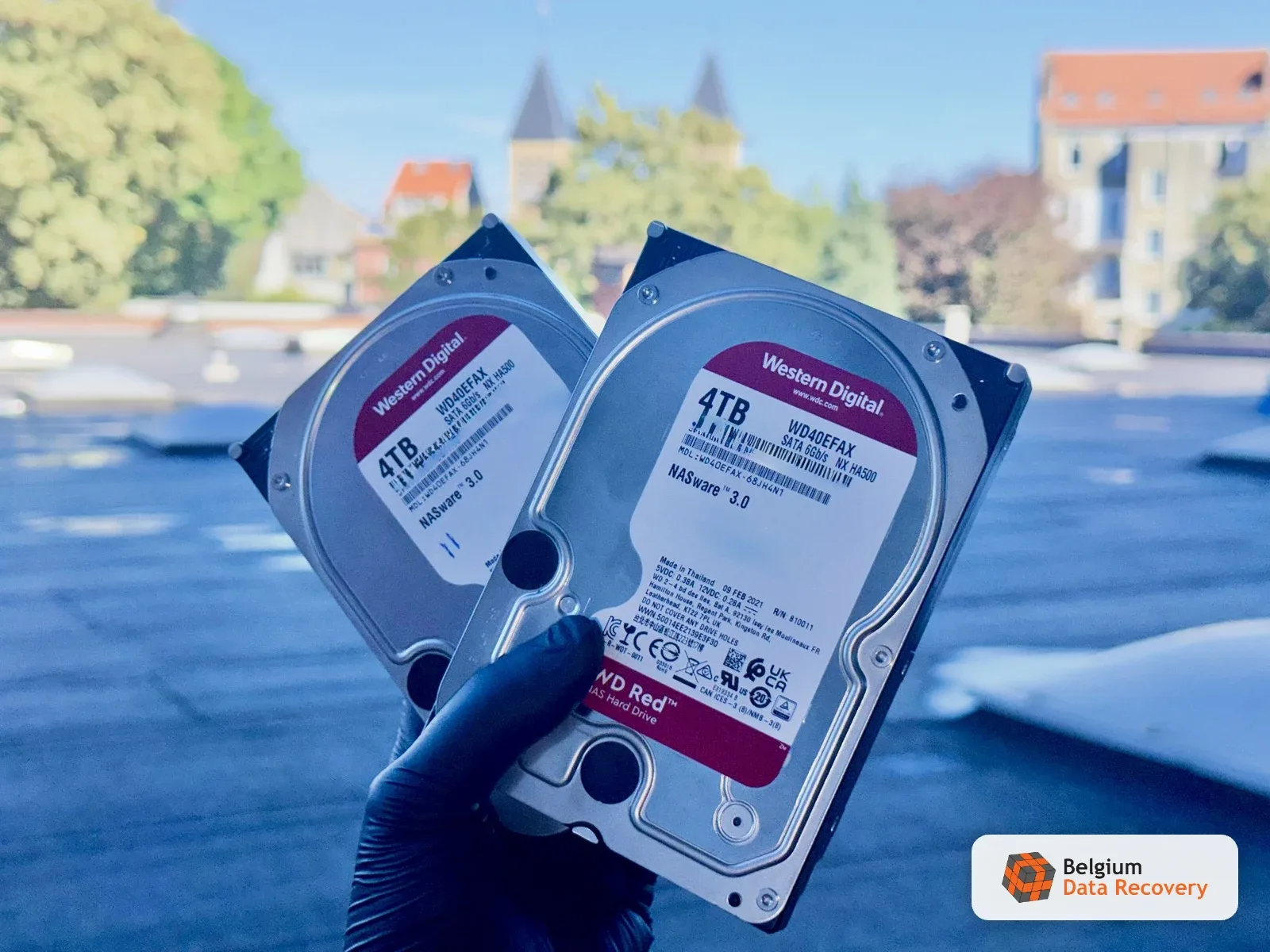
A computer repair shop in Brussels took in a customer's NAS: a Synology DS223 with two 4 TB WD Red drives in a mirror. The unit had been warning for days that one drive needed replacing. The technician swapped the failing drive and, on restart, DSM offered to install itself fresh. He accepted. The installation reinitialised the volume: the data partition was gone and the mirror had nothing left to rebuild. The shop owner called us the same day. We asked him to bring both drives, including the old one that most people throw away after a swap.
Our intervention
We worked on the drive the NAS had dropped, and never plugged the enclosure back in: powering the DS223 up again would have let DSM write over the data. The old WD40AFAX was not dead. It had unreadable sectors clustered in one area, enough for Synology to call it failed, not enough to stop it being read. We imaged it sector by sector on PC-3000 Data Extractor, skipping the unstable areas first, then going back over them with longer timeouts until the copy was complete. The mirror was then rebuilt from that single image and the Synology file system mounted to pull the folders out. In RAID 1 both drives hold the same data, which is why the invoice covers one cloned drive, not two.
Result
The volume had been reinitialised, not physically erased: the data was still on the platters and the rejected drive was still readable. We returned 100% of the end customer's files on an external drive, four days after drop-off.
Frequently asked question
Synology DS223 after a DSM reinstall: can the data be recovered?
We worked on the drive the NAS had dropped, and never plugged the enclosure back in: powering the DS223 up again would have let DSM write over the data. The old WD40AFAX was not dead. It had unreadable sectors clustered in one area, enough for Synology to call it failed, not enough to stop it being read. We imaged it sector by sector on PC-3000 Data Extractor, skipping the unstable areas first, then going back over them with longer timeouts until the copy was complete. The mirror was then rebuilt from that single image and the Synology file system mounted to pull the folders out. In RAID 1 both drives hold the same data, which is why the invoice covers one cloned drive, not two. The volume had been reinitialised, not physically erased: the data was still on the platters and the rejected drive was still readable. We returned 100% of the end customer's files on an external drive, four days after drop-off.
Related service: NAS data recovery