Data recovery for Innovation IT Performance missing from BIOS in Dalhem
The problem
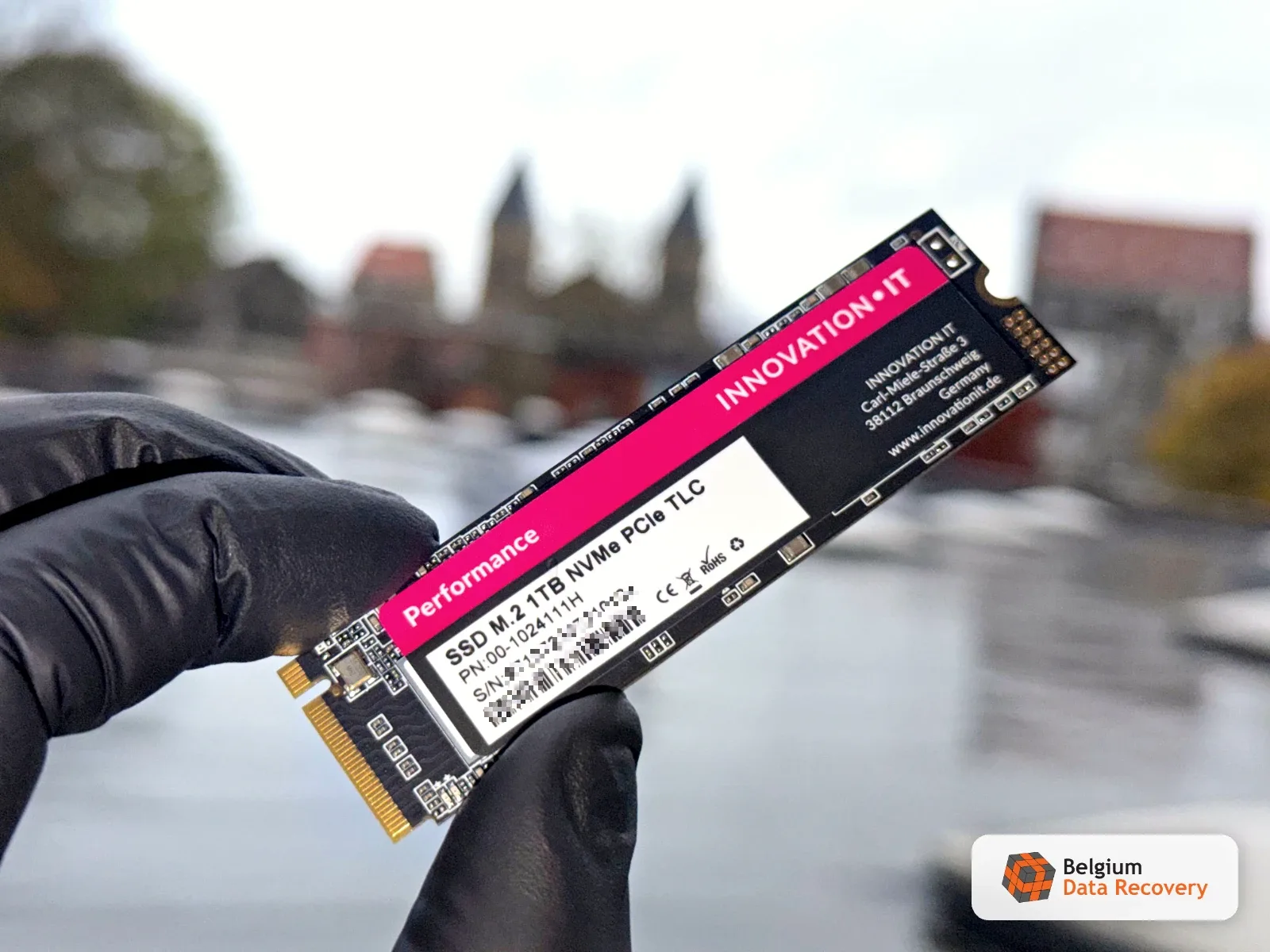
A home user in Dalhem had watched his computer get slower and slower. He restarted it and it never came back: the SSD, a 1 TB Innovation IT Performance NVMe M.2, had vanished from the BIOS. It held the family photos and the Samsung Smart Switch backup of his phone, the two things he cared about most. This budget SSD runs on a Silicon Motion SM2263XT controller and, most likely, cheap NAND memory. As the cells held their charge less and less well, read errors piled up until the controller could no longer start at all.
Our intervention
On our bench, powered normally, the SSD did not respond at all. We took over the controller in technological mode with the PC-3000 SSD utility on a PC-3000 Portable PRO, then rebuilt the translator, the table that records where each piece of data sits on the chips. Two independent rebuilds came out identical. Reading was still painfully slow: about 700 KB/s, ECC errors page after page and an estimate of more than 16 days. After backing up the firmware, service areas and translator, we applied the "SSD initialization" function that ACE Lab presented at TechWeek 2026 in Alicante. The SSD restarted on its own firmware, and imaging in PC-3000 Data Extractor rose to 5 to 9 MB/s with a clean log.
Result
The memory was worn, not empty: once the SSD's own firmware was running again, reading took 26 hours instead of 16 days. About 20 MB of sectors were left unread; reread separately, that dropped to zero. All 840 GB in use were read in full, family photos and phone backup included.
Frequently asked question
Innovation IT Performance missing from BIOS: can the data be recovered?
On our bench, powered normally, the SSD did not respond at all. We took over the controller in technological mode with the PC-3000 SSD utility on a PC-3000 Portable PRO, then rebuilt the translator, the table that records where each piece of data sits on the chips. Two independent rebuilds came out identical. Reading was still painfully slow: about 700 KB/s, ECC errors page after page and an estimate of more than 16 days. After backing up the firmware, service areas and translator, we applied the "SSD initialization" function that ACE Lab presented at TechWeek 2026 in Alicante. The SSD restarted on its own firmware, and imaging in PC-3000 Data Extractor rose to 5 to 9 MB/s with a clean log. The memory was worn, not empty: once the SSD's own firmware was running again, reading took 26 hours instead of 16 days. About 20 MB of sectors were left unread; reread separately, that dropped to zero. All 840 GB in use were read in full, family photos and phone backup included.
Read more: NVMe SSD not detected in BIOS: a real case with an SM2263XT controller
Related service: SSD data recovery